Restaurants and cafés
Show the dining room, entrance, terrace and atmosphere before someone chooses a table.

Google Maps / Street View · Brașov
Show clients what your location looks like before they arrive. We photograph the space in 360° and prepare a tour that can be explored through Google Maps / Street View, subject to the features available for the location.
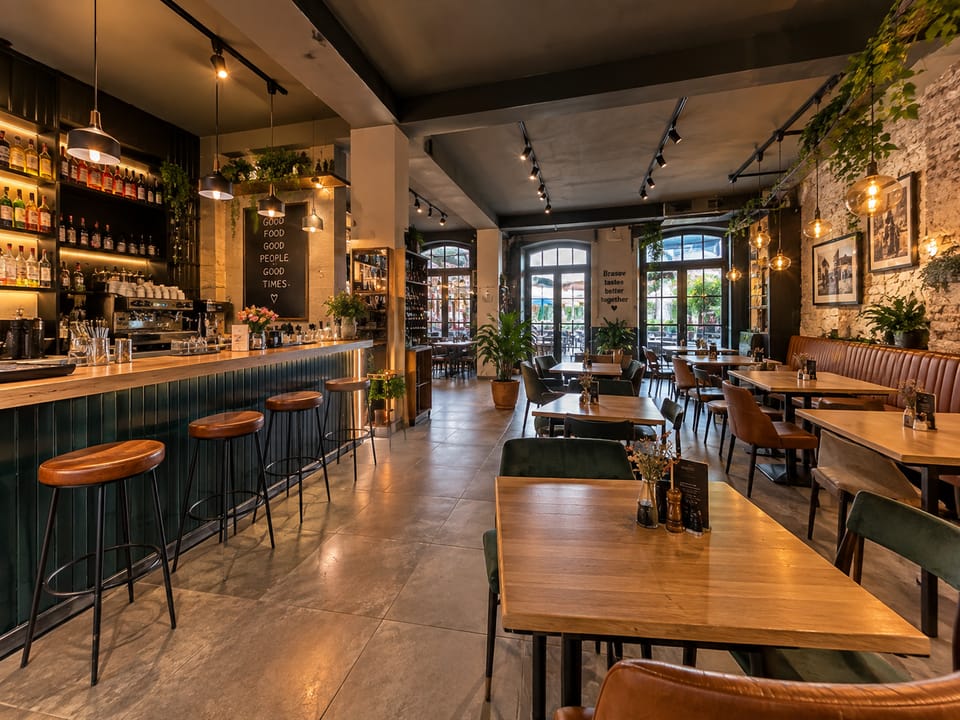
The interior can be explored before the visit.
Illustrative image, not a Google capture.
The client journey
Someone looking for a restaurant, clinic, hotel or showroom can find the location on Google and see more than an address. An interior tour shows the atmosphere, entrance and relationship between spaces before they set off.
Searches for the business in Google Search or opens Google Maps.
Checks the place information and, where available, enters Street View.
Rotates 360° panoramas and moves between connected points.
Has a clearer expectation of the entrance, atmosphere, rooms and services.
What the client sees on Google
The tour is made from connected 360° panoramas. Visitors can look around and move from one point to another within Google Maps / Street View, depending on how Google displays and processes published content.
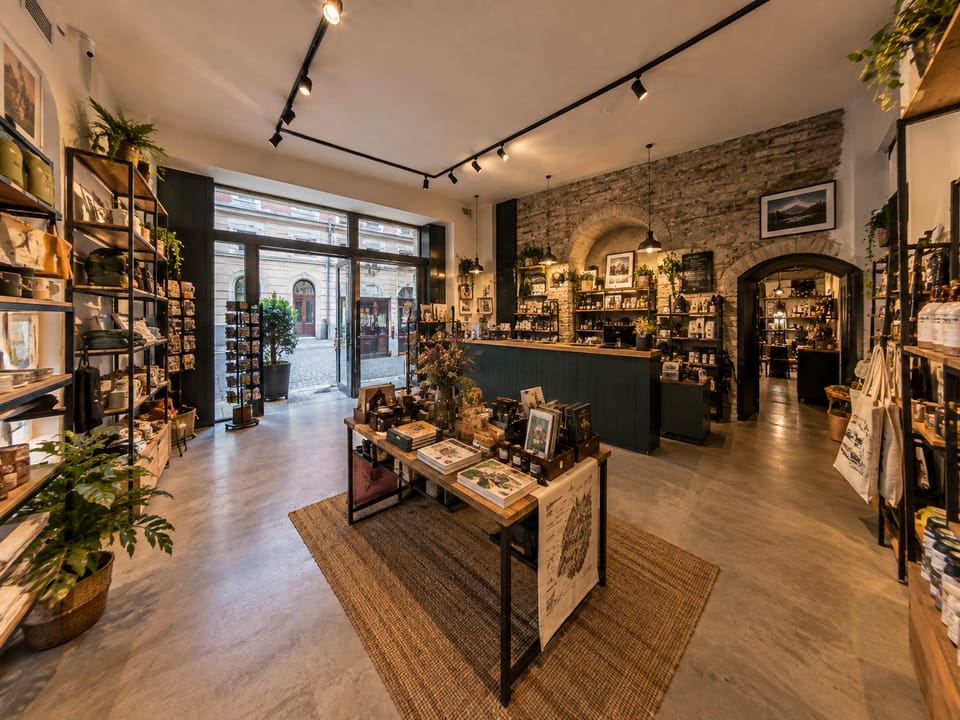
From the entrance to the interior, the space becomes clear at a glance.
Illustrative image, not a Google capture.
We prepare the spherical photographs, connections and data needed for the chosen workflow. Google remains responsible for processing, display, moderation and the features available for the account or location.
Who it can help
We choose the points that help visitors orient themselves and understand the place. The examples below are not separate products.
Show the dining room, entrance, terrace and atmosphere before someone chooses a table.
Present the reception, rooms and shared areas before booking.
Help patients recognise the entrance and understand the route to the practice.
Show the setting, reception and spaces where the service takes place.
Present the room, equipment and relevant areas before a first visit.
Give visitors a clear view of the entrance, layout and display areas.
Show access, rooms and the relationship between areas before a visit or booking.
Two distributions of the same space
The 360° capture can be prepared for two contexts. They are not competing solutions, but two ways to make the same space explorable.
From location to publishing
We discuss your business, the entrance to show and the rooms or areas that should be included.
We photograph the agreed points with attention to the route, light and information that should not appear in the images.
We process the material and link the points so the exploration has a clear route to follow.
Where the chosen workflow allows it, we prepare and publish the content for Google Maps / Street View.
After Google processing, we check the available result where possible and tell you what was published.
Frequently asked questions
It may appear in Google Maps / Street View if the spherical photographs are published and correctly associated with a location, then processed and accepted by Google. We do not control the interface, order or appearance time. Where possible, we check the result after processing.
For managing photographs and information for your location, it is useful and, for photographs to appear in the profile, the profile needs to be added or claimed and verified. If you do not have one yet, we can assess what needs to be set up. The profile and access remain yours; we do not ask for passwords.
Yes. The same 360° material can support a separate web tour with an independent link or embed where your website platform allows it. We agree the suitable distribution and integration in the quote.
Yes. We can make new captures and update the material. On Google, the association, processing and display of new images follow the features and policies available at that time, so old content is not automatically replaced in every case.
Generally, yes. Clients can open Google Maps or Street View on a phone, while navigation depends on the device, browser and Google features available.
No. Spațiu360 does not guarantee higher positions on Google. The tour adds visual information a potential client can consult about the location, but ranking and visibility depend on Google systems and many other factors.
Explore further
Request a quote and tell us your business type, locality, approximate size, floors or rooms to present and the Google Maps profile link, if available.
We confirm what we can prepare for Google Maps / Street View and what can also be delivered as a web tour.